
Turntables
See what each setting does
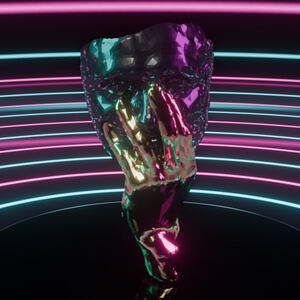
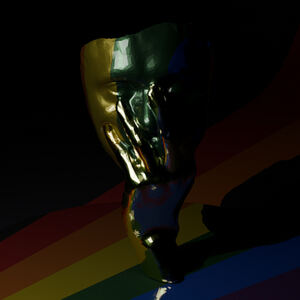
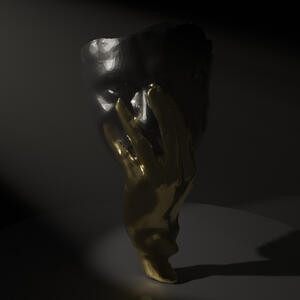
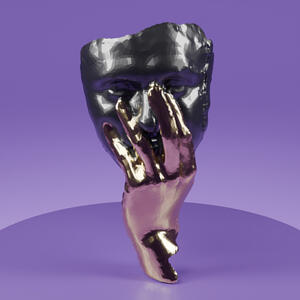
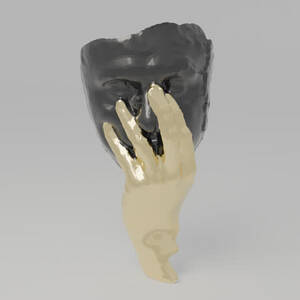
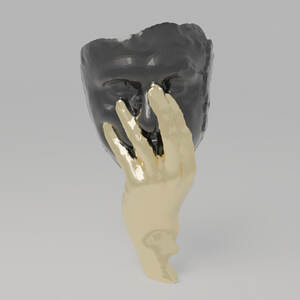
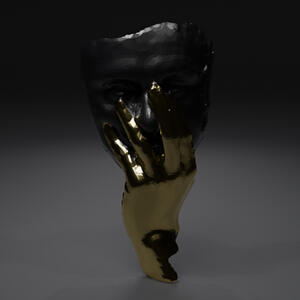
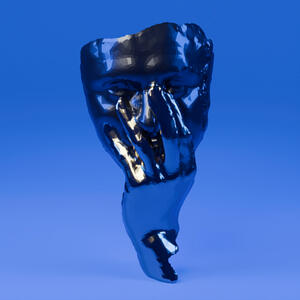
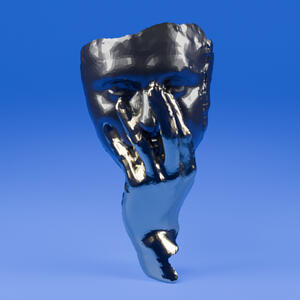
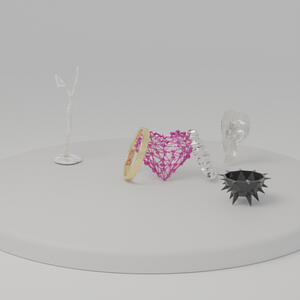
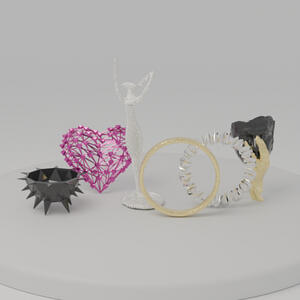
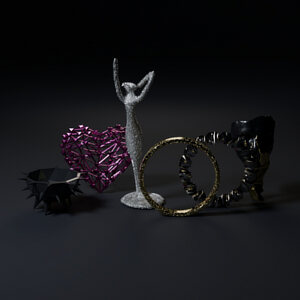
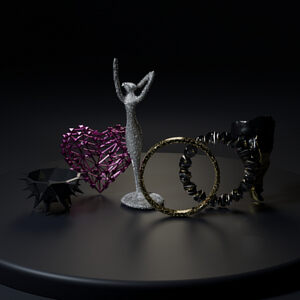
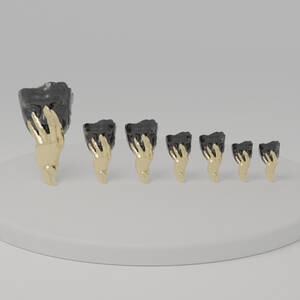
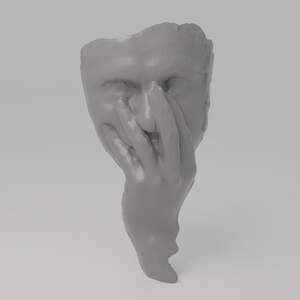
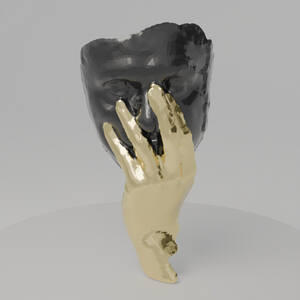
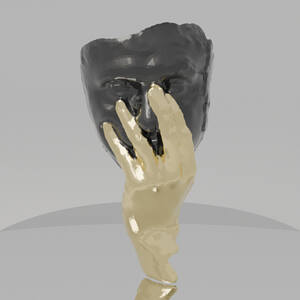
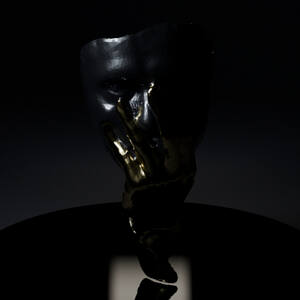
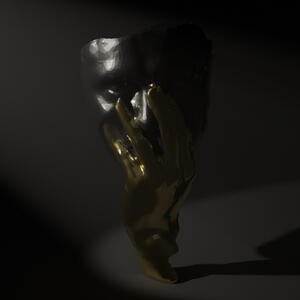
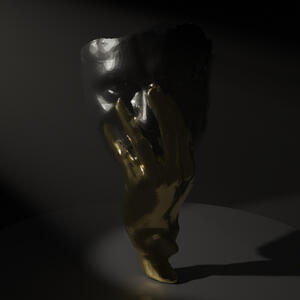
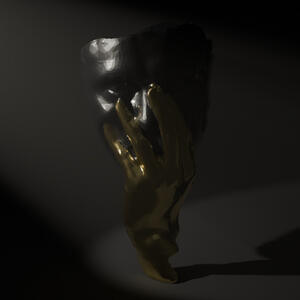
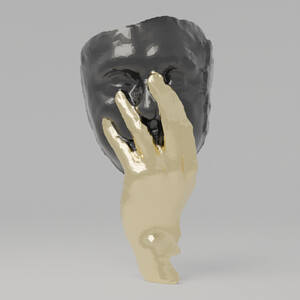
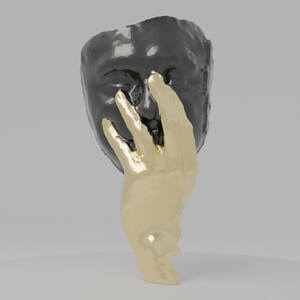
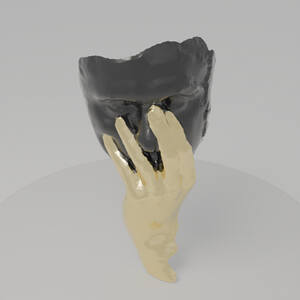
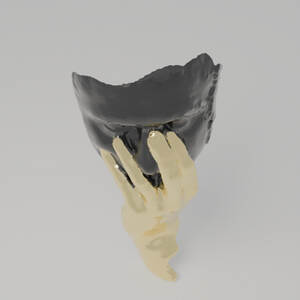
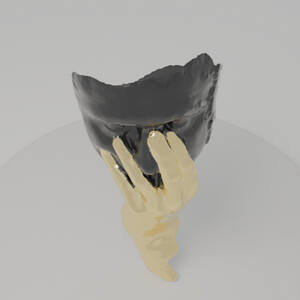
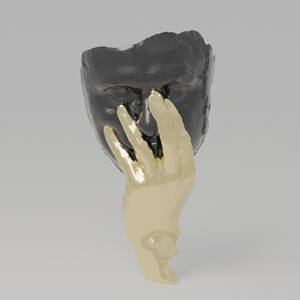
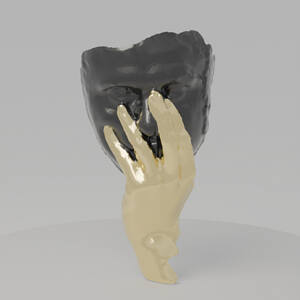
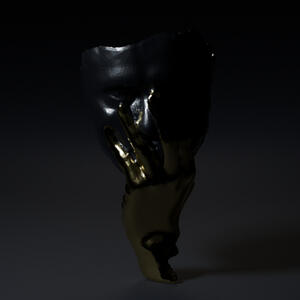
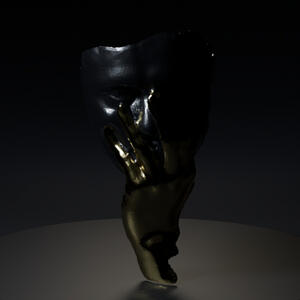
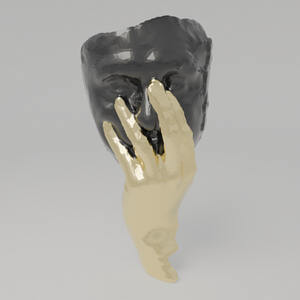
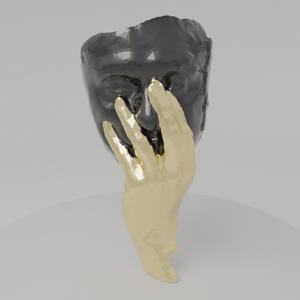
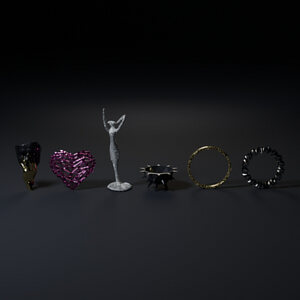
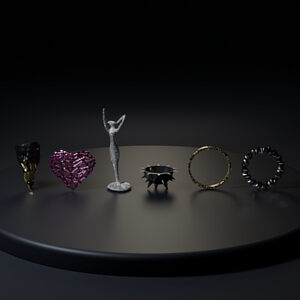
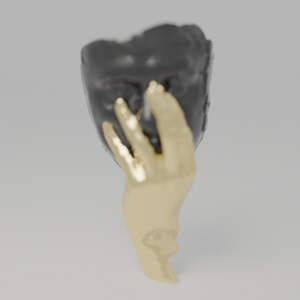
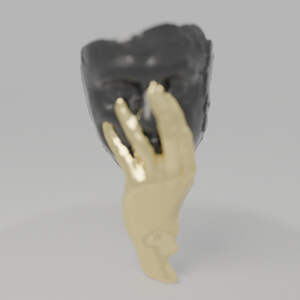
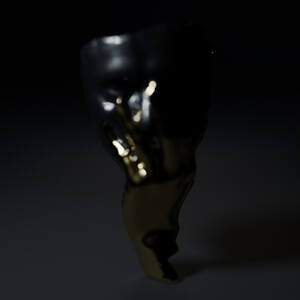
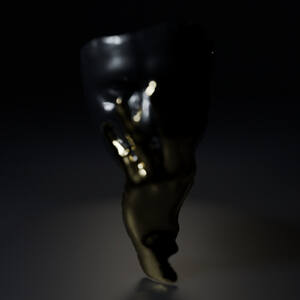
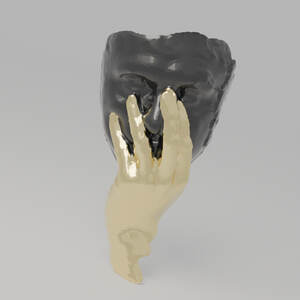
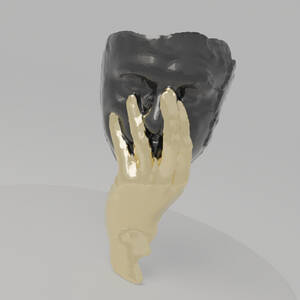
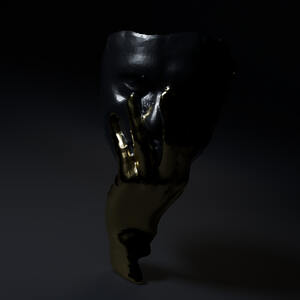
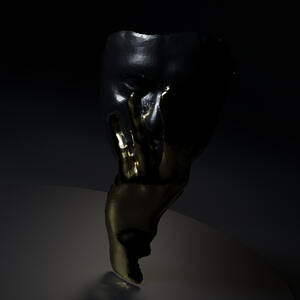
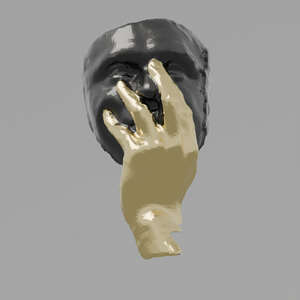
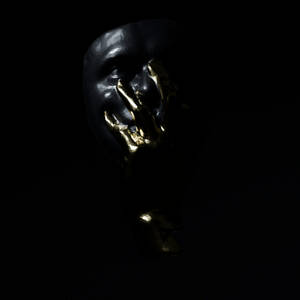
To make a turntable in Blender, you add an Empty, make it the camera’s parent, key the turn and set up the lights. Then you check every angle by hand to find the widest one. In Frame Perfect, you select your model, press “Turntable” and press “Render Turntable”. Frame Perfect fits your model at its widest angle and puts it on a lit studio stage. I made every turntable on this page that way with my Facepalm model. Each one changes one setting. You can see what a setting does before you use it on your own model.
This page has 215 turntables in 13 groups.
You'll buy it on Superhive. It works in Blender 4.5 or newer on Windows, macOS and Linux. You can ask Superhive for a refund within 30 days.
Start with my picks
I picked these turntables to start with. When you open one, “Next” will take you to the next of my picks.
On this page
When you press a turntable, it will open large. You can turn it by hand and switch its setting while it turns.
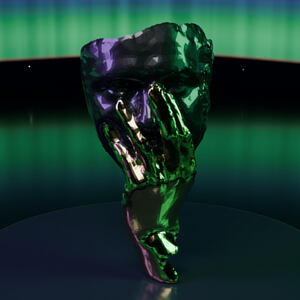
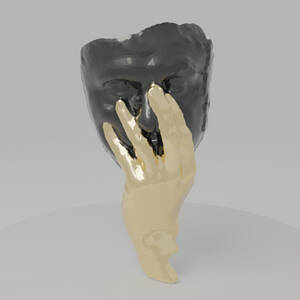
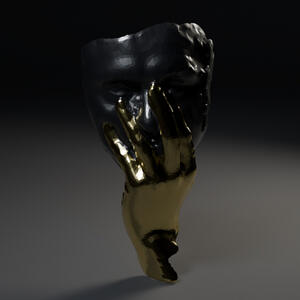
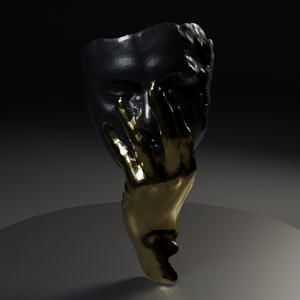
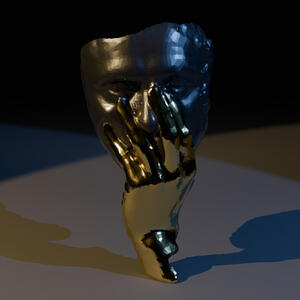
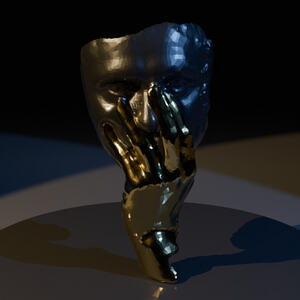
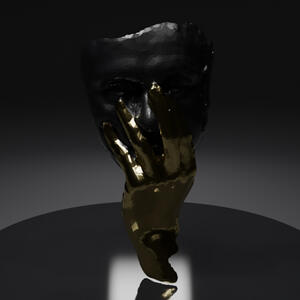
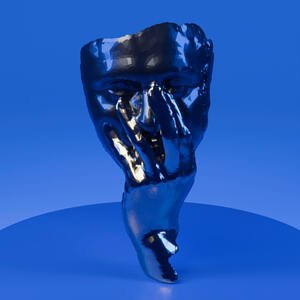
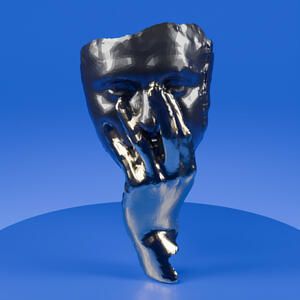
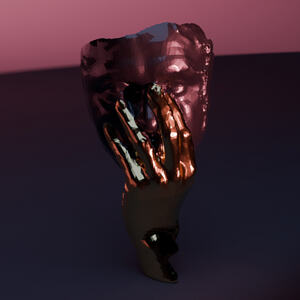
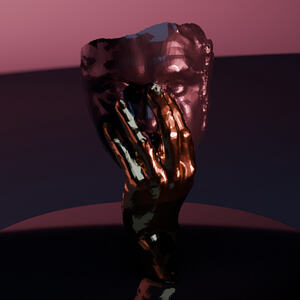
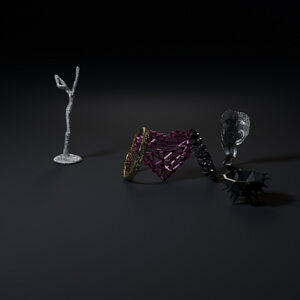
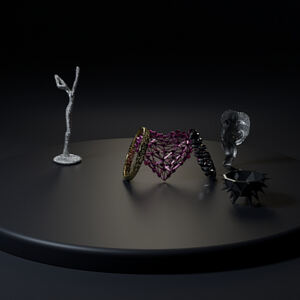
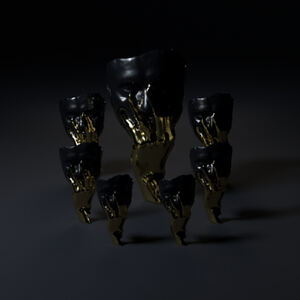
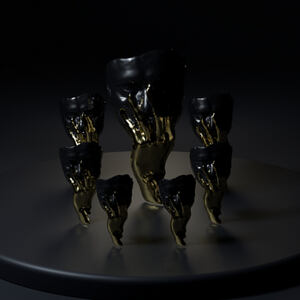
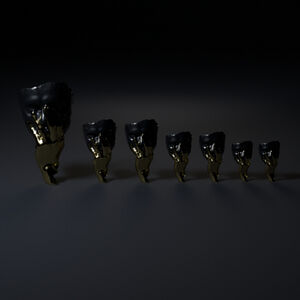
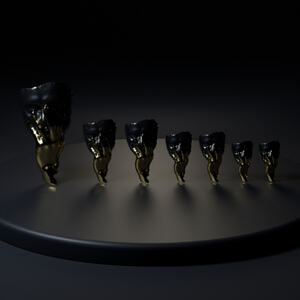
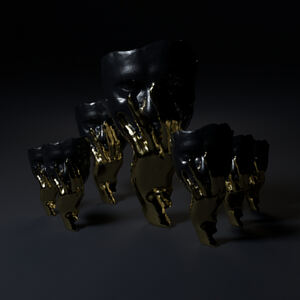
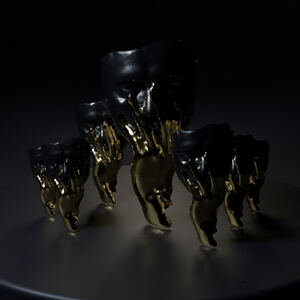
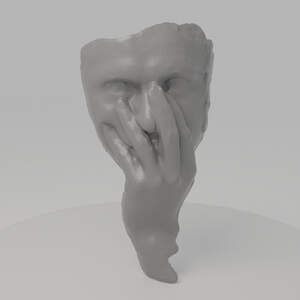
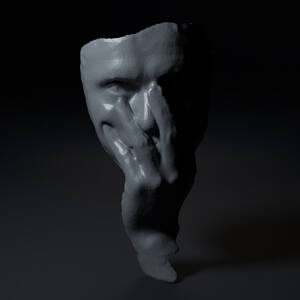
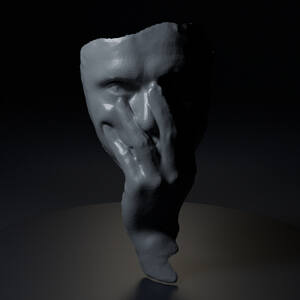
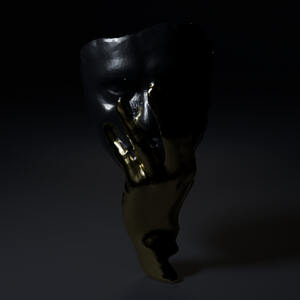
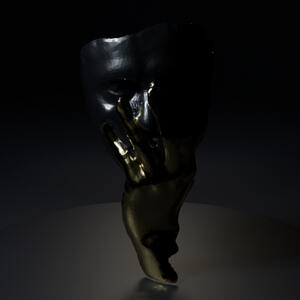
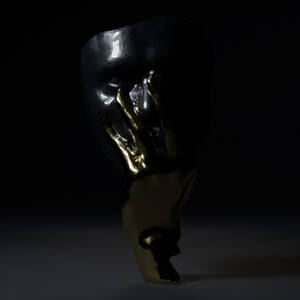
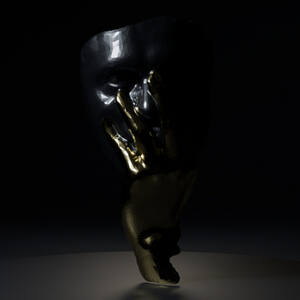
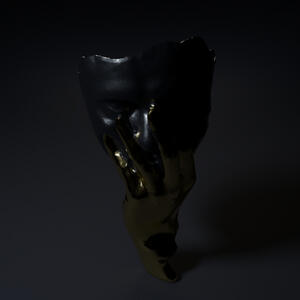
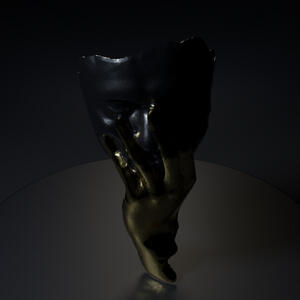
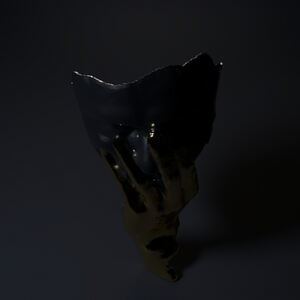
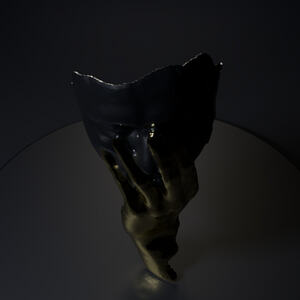
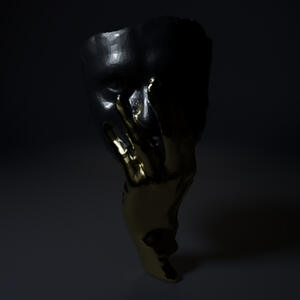
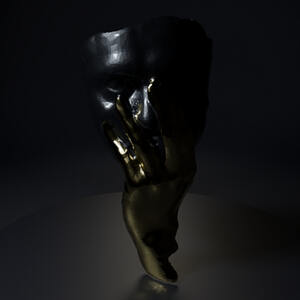
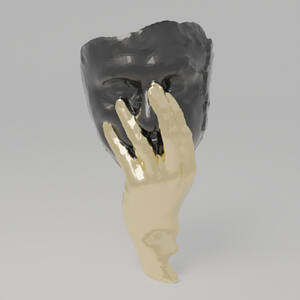
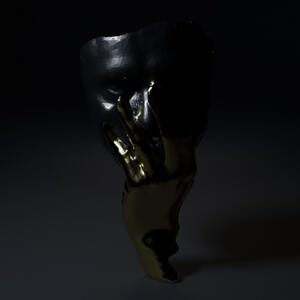
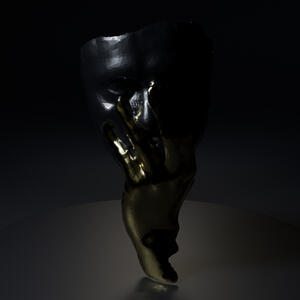
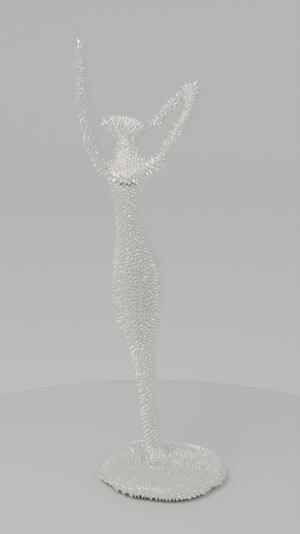
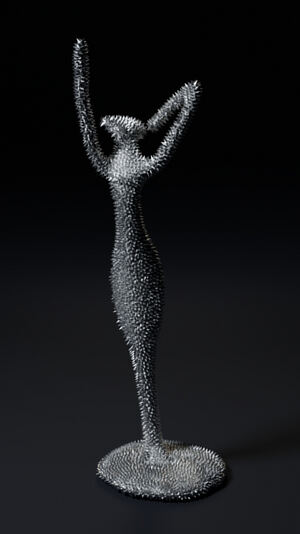
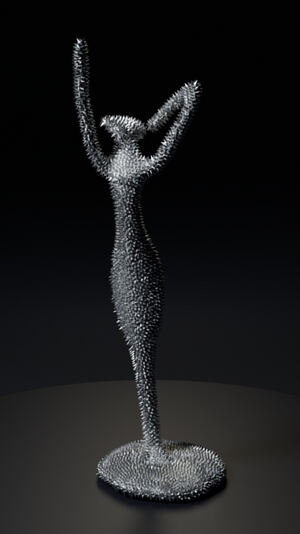
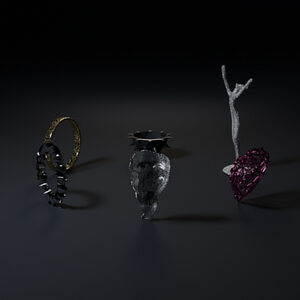
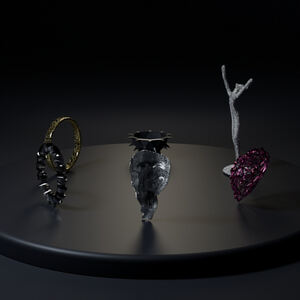
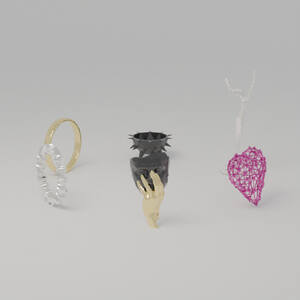
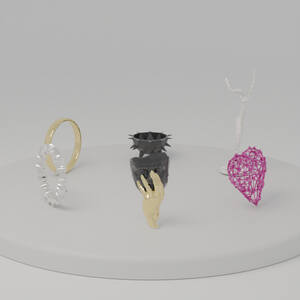
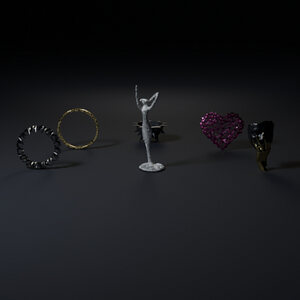
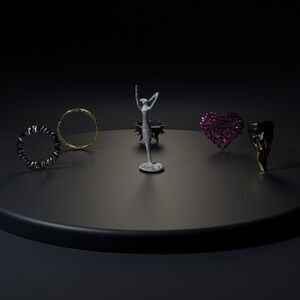
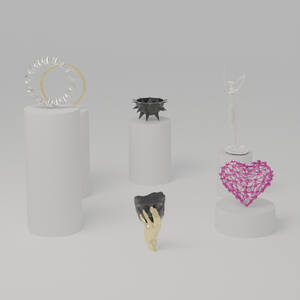
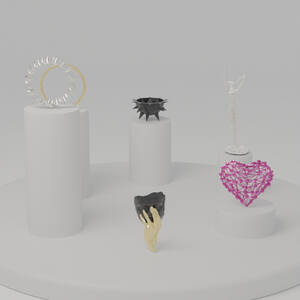
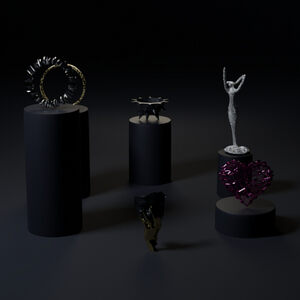
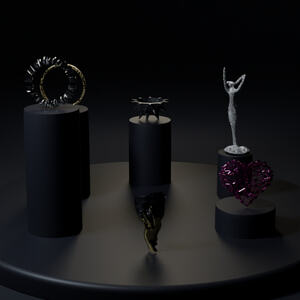
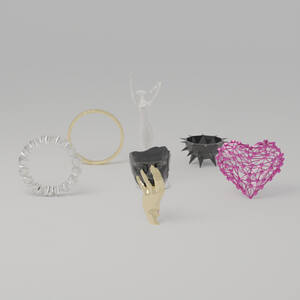
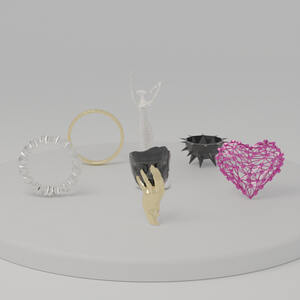
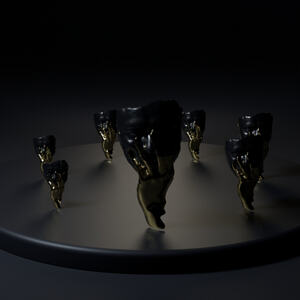
The disc is the round stand your model turns on. Above most groups, you can switch every turntable between the “Soft Box” and “Night” looks. You can also show them with or without the disc.
Lighting looks
Each lighting look sets the lights, the backdrop, the floor and the disc together.
Everyday
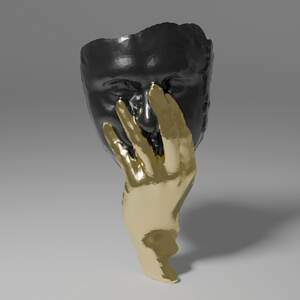
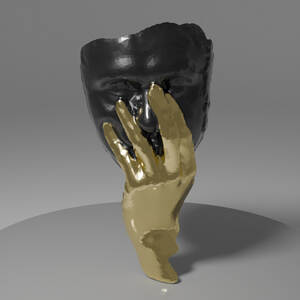
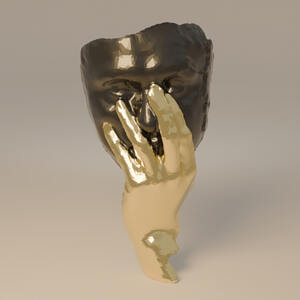
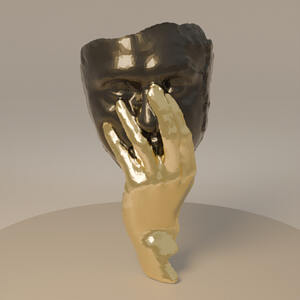
Dramatic
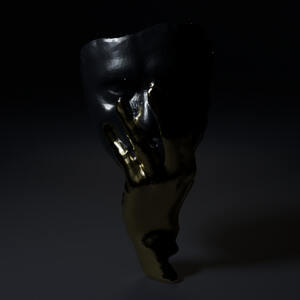
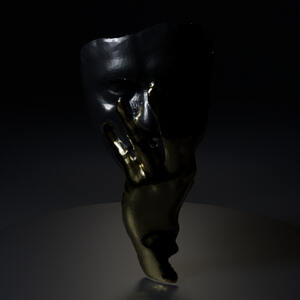
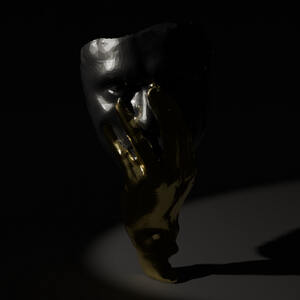
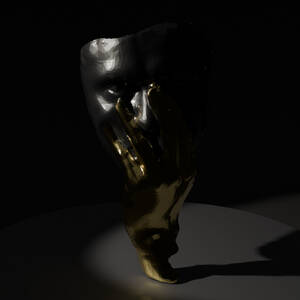
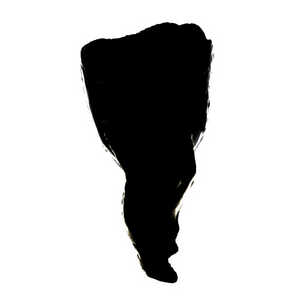
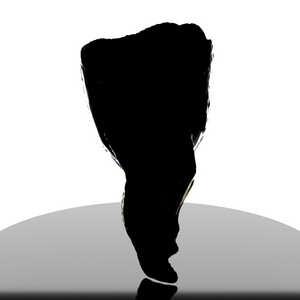
Materials
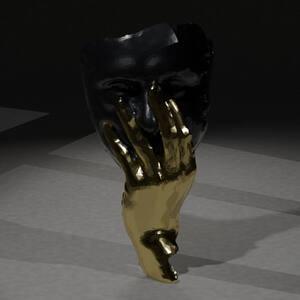
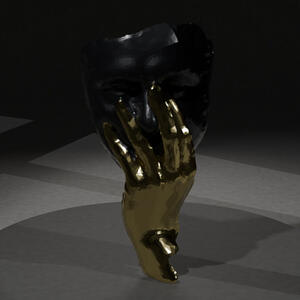
Color
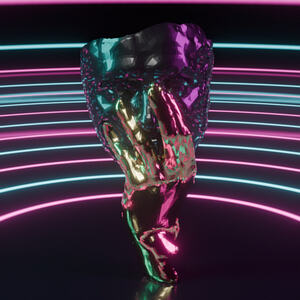


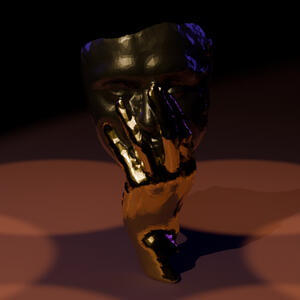
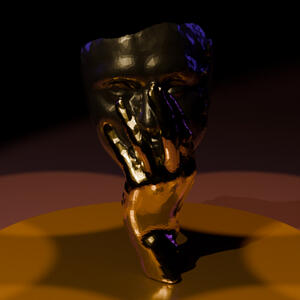
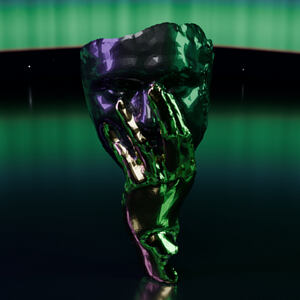
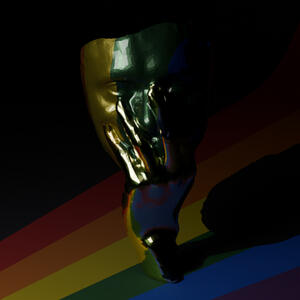
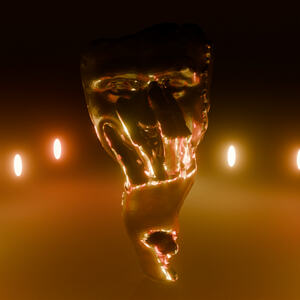
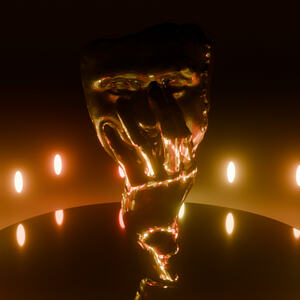
Groups of models
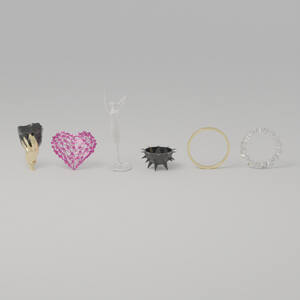
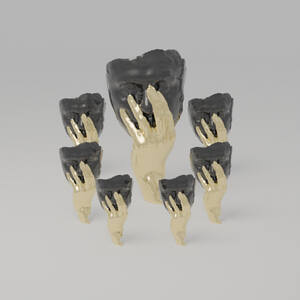
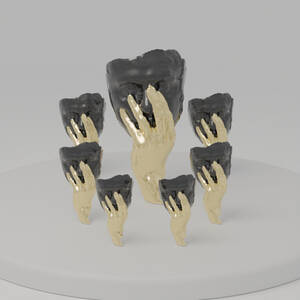
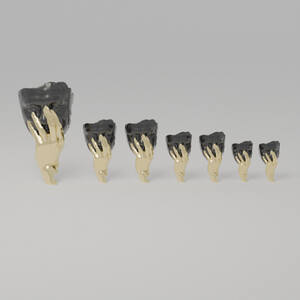
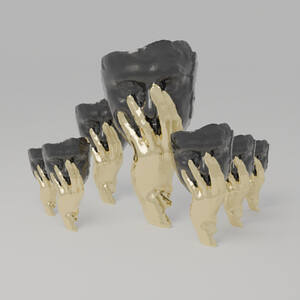
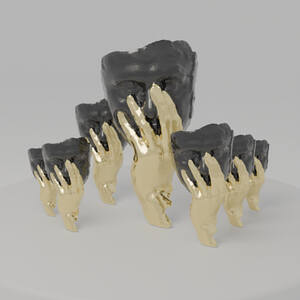
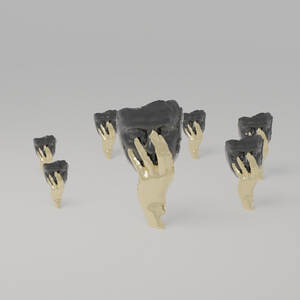
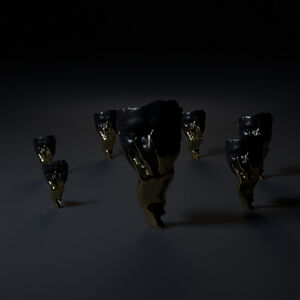
Frame Perfect can stand several models together in a row, in a circle or huddled together.
Your group of six
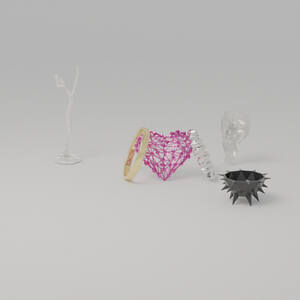
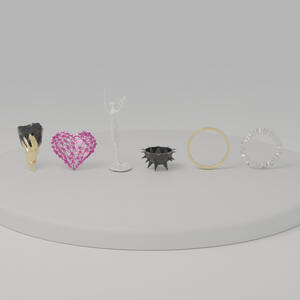
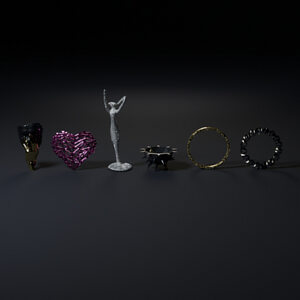
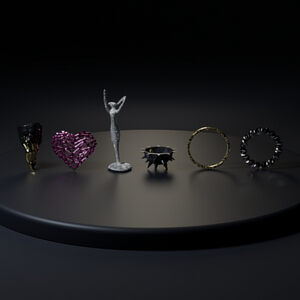
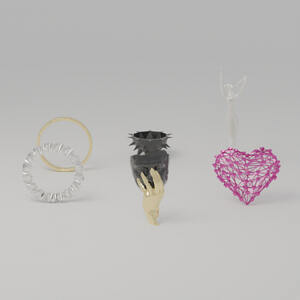
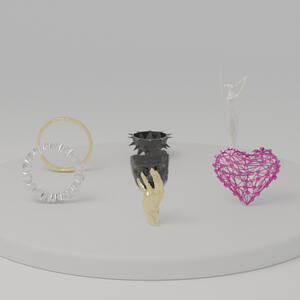
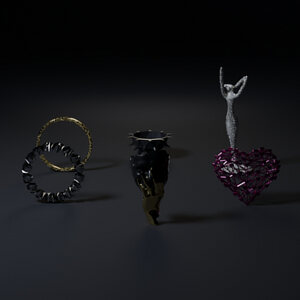
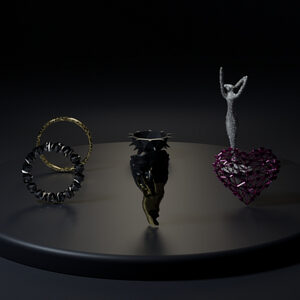
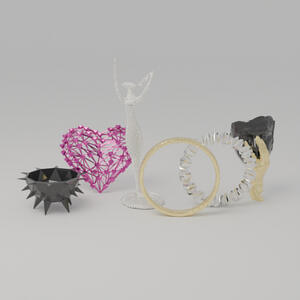
The Facepalm family
Room colors
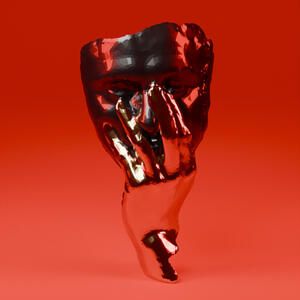
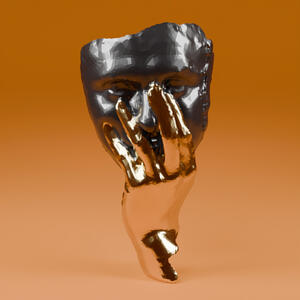
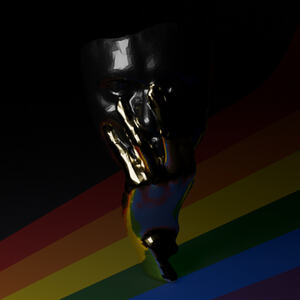
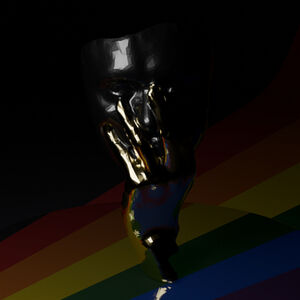
The “Color Wash” and “Color Backdrop” looks paint the room in the color you pick.
Color Wash
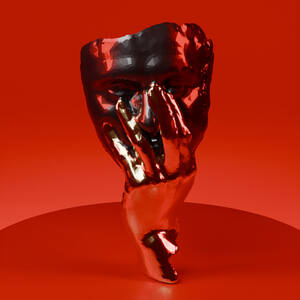
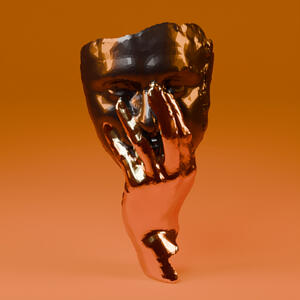
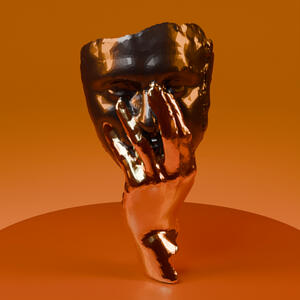
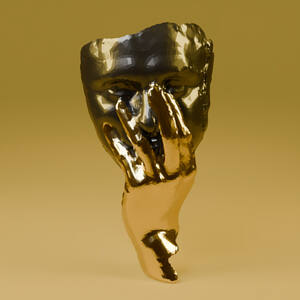
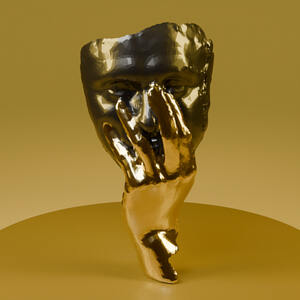
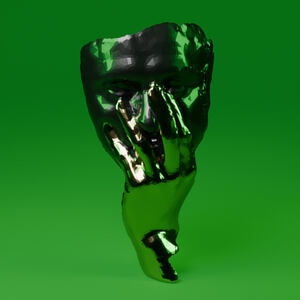
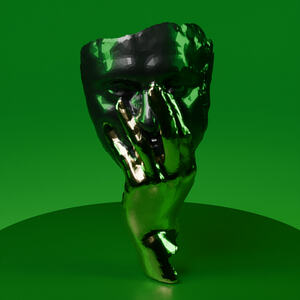
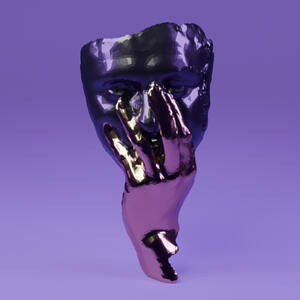
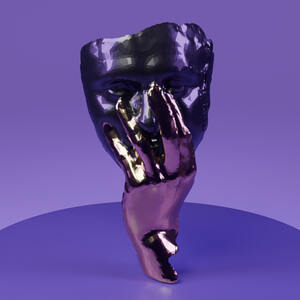
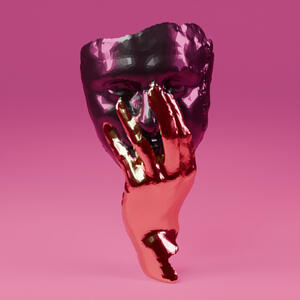
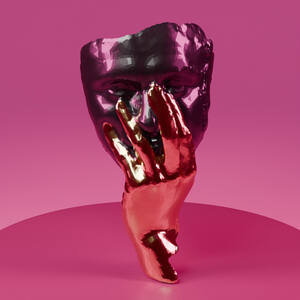
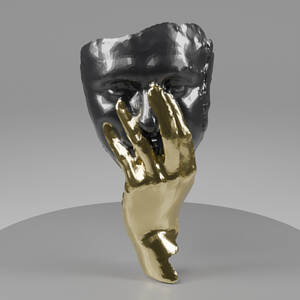
Color Backdrop
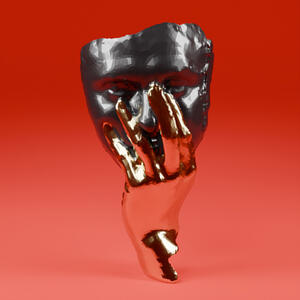
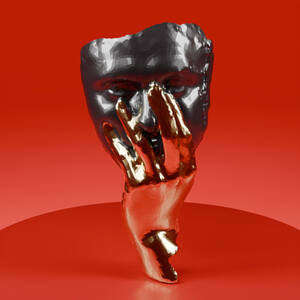
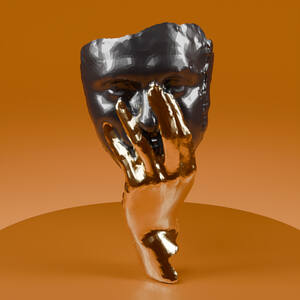
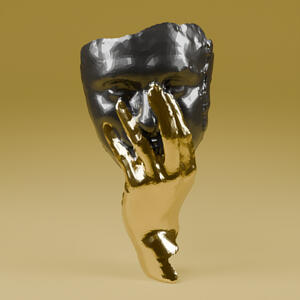
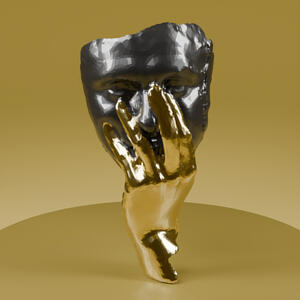
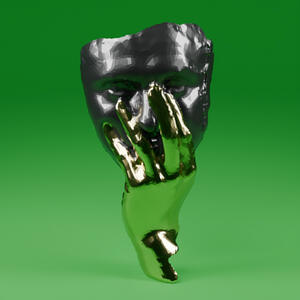
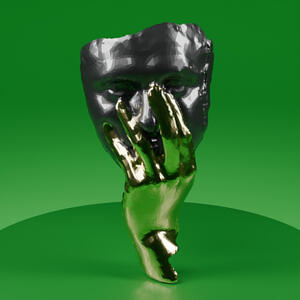
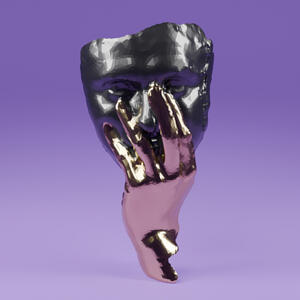
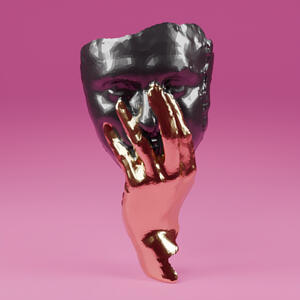
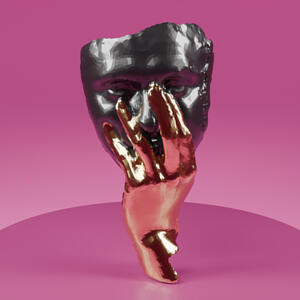
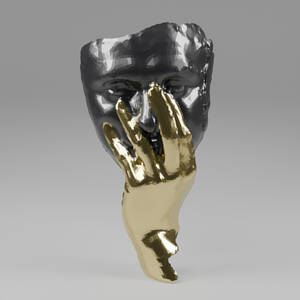
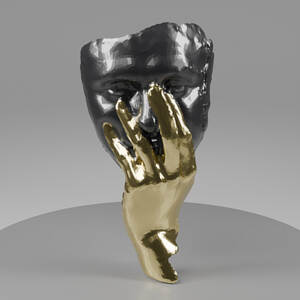
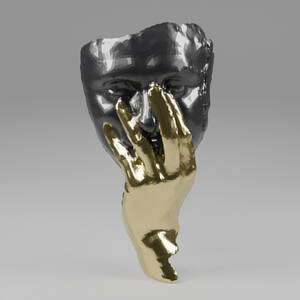
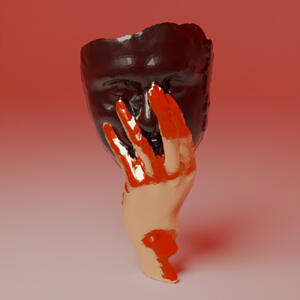
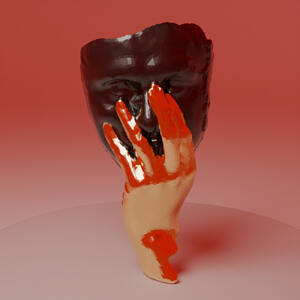
Red on a look that doesn't paint the room
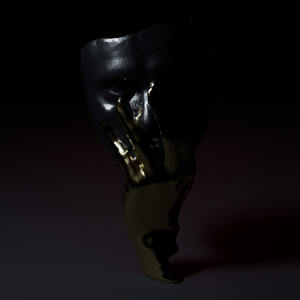
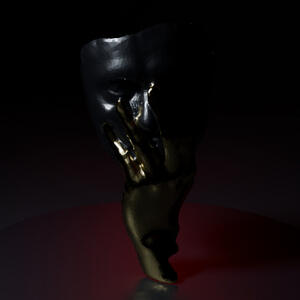
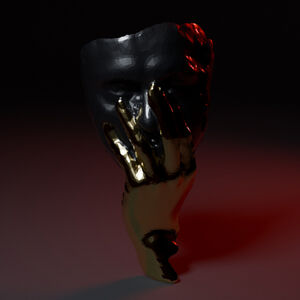
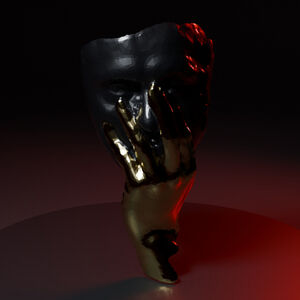
Beauty, Clay and Wireframe
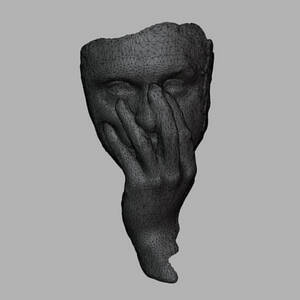
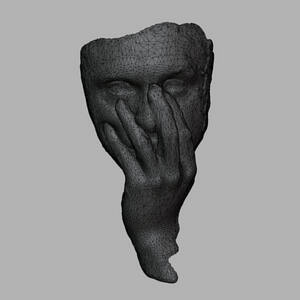
Frame Perfect can render your model as “Beauty”, “Clay” or “Wireframe”. The presentation video plays all three, one after the other.
Extra lights and the set
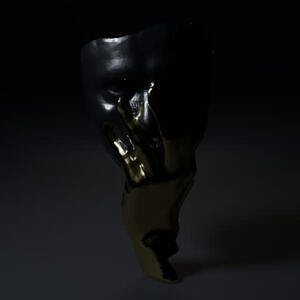
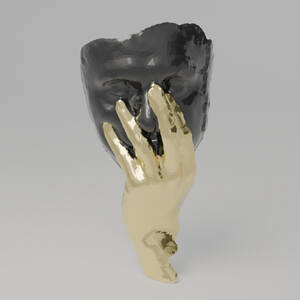
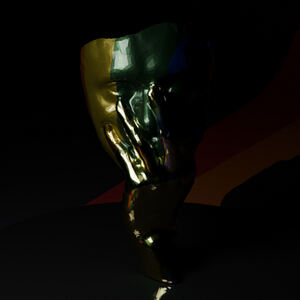
No look turns these settings on by itself. You can add them to any look.

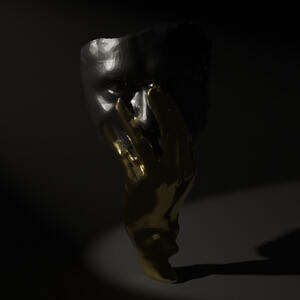
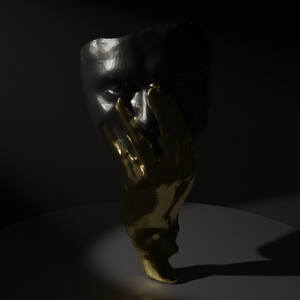
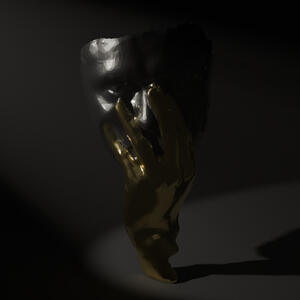
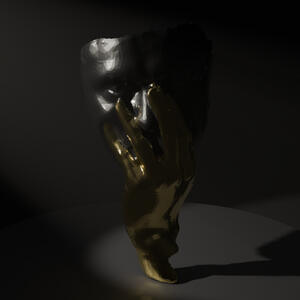
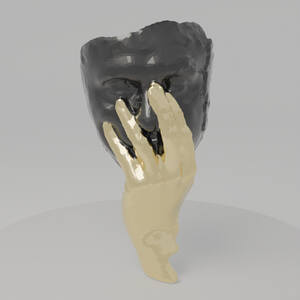
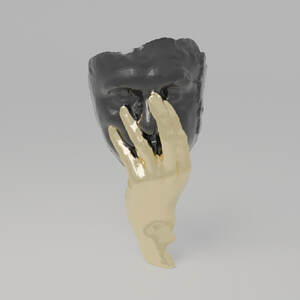
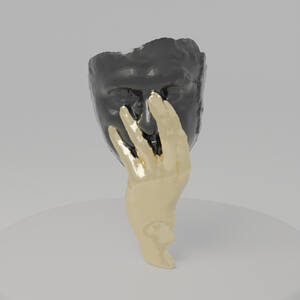
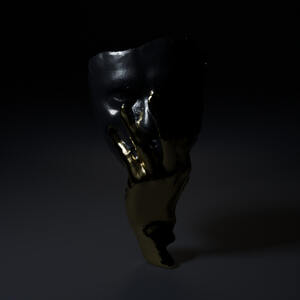
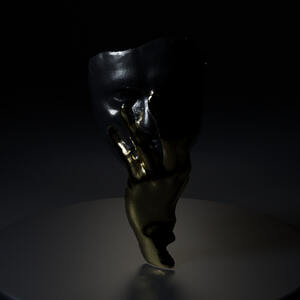
Frame shape
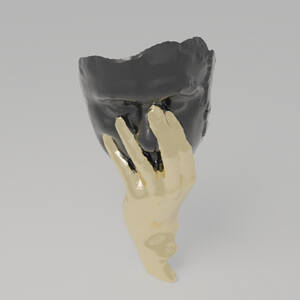
You can make square, wide and tall videos for store pages, YouTube, Reels, TikTok and Shorts.
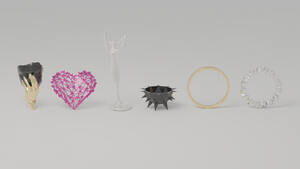
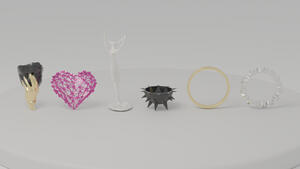
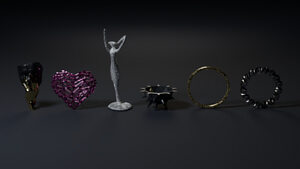
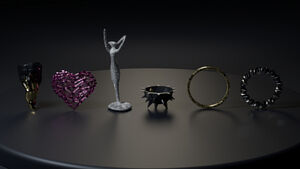
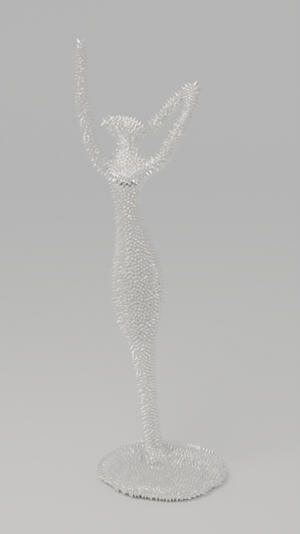
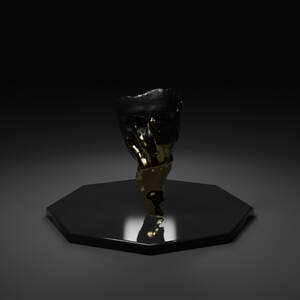
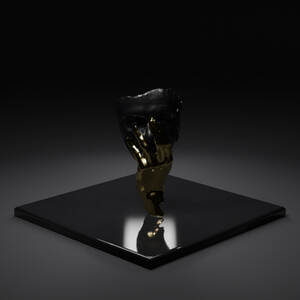
Disc shape
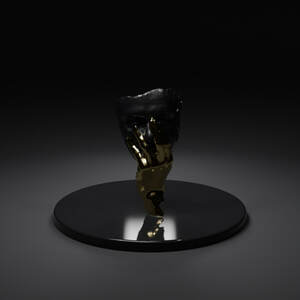
The disc can be round, eight-sided or square.
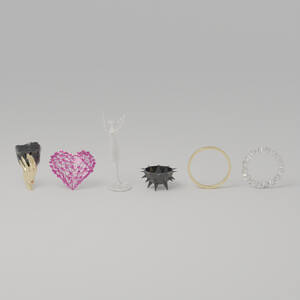
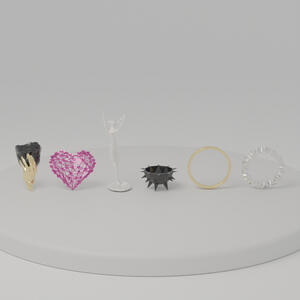
The Facepalm, Jewelry, filling 45%
More ways to place a group
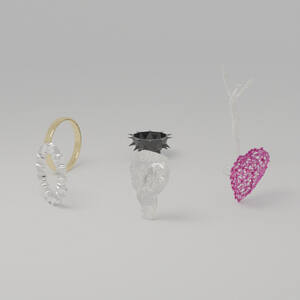
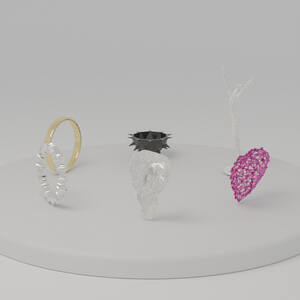
Each group layout has more ways to stand your models. They can face the middle, face out or each stand a step higher.
“Raise On Steps” in “The Layout” window has three “Steps”: “Each One Higher”, “The Middle Higher” and “Both Sides Climb”.


In a circle
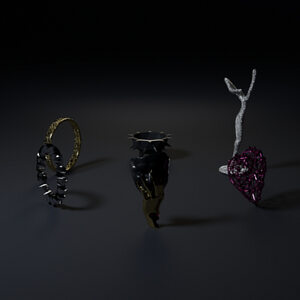
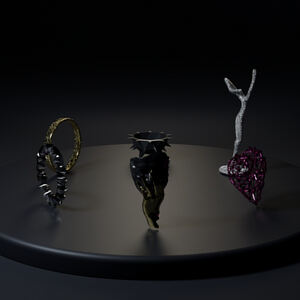
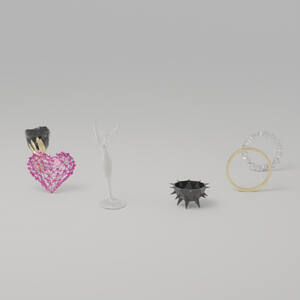
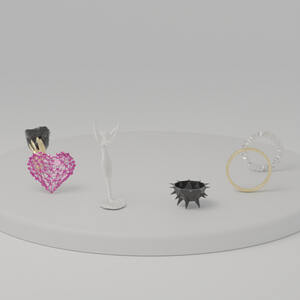
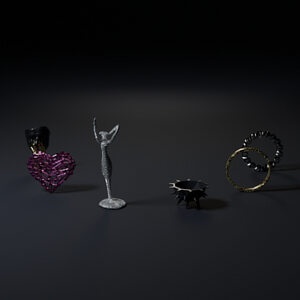
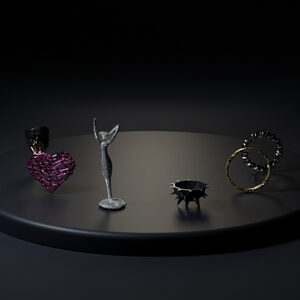
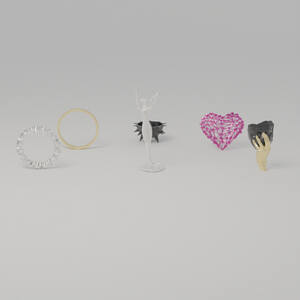
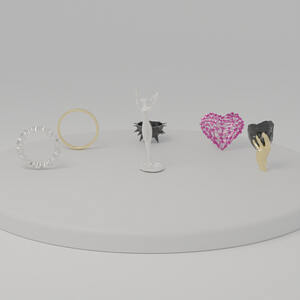
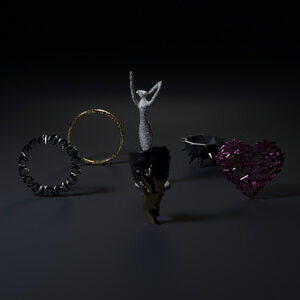
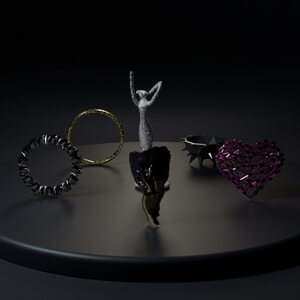
In a row
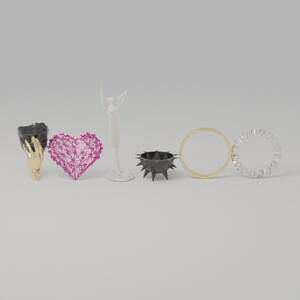
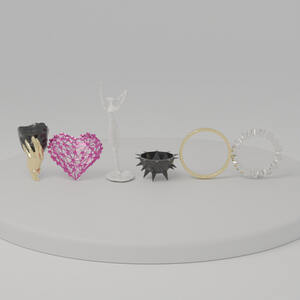
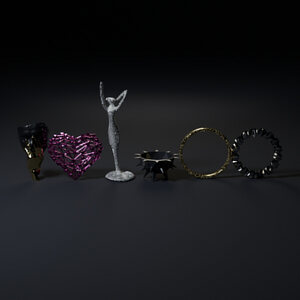
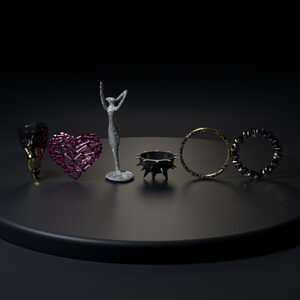
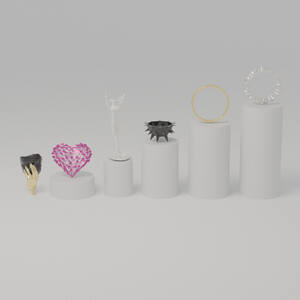
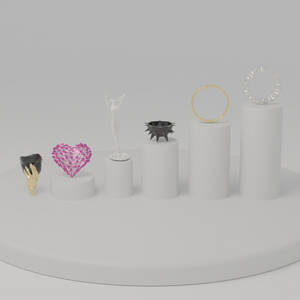
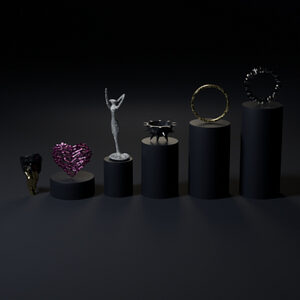
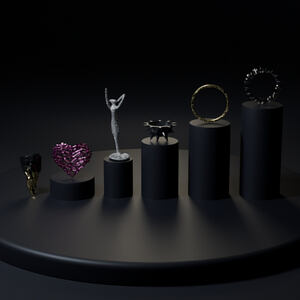
The Facepalm family
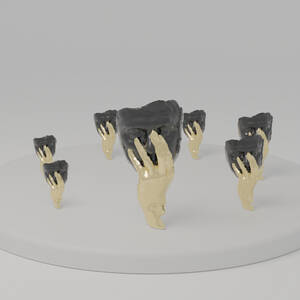
The stage around your model
To change the floor and see each light, press the light button beside the look. “Floor Shine” in “The Stage” window takes the floor from matte to a mirror. “See One Light” shows one of the stage’s lights on its own in the viewport. The arrow beside “Transparent Background” has “Keep The Shadow”. With one model on the turntable, “Stand It Up” stands it up the way “Fix Orientation” shows it.


Free mode settings
These settings are only in “Free” mode.
Make your own turntables
You’ll find every setting on this page in the Frame Perfect tab in the sidebar. A turntable takes three steps. When you buy Frame Perfect on Superhive, you can download it straight away. You’ll get 12 months of updates and support from the day you buy it.
Watch a turntable being made →
Frame Perfect with all its pictures →
Turntables in the documentation →
You'll buy it on Superhive. It works in Blender 4.5 or newer on Windows, macOS and Linux. You can ask Superhive for a refund within 30 days.